Best Pre-Owned MacBooks for Video Editing and Graphic Design (2026 Guide)
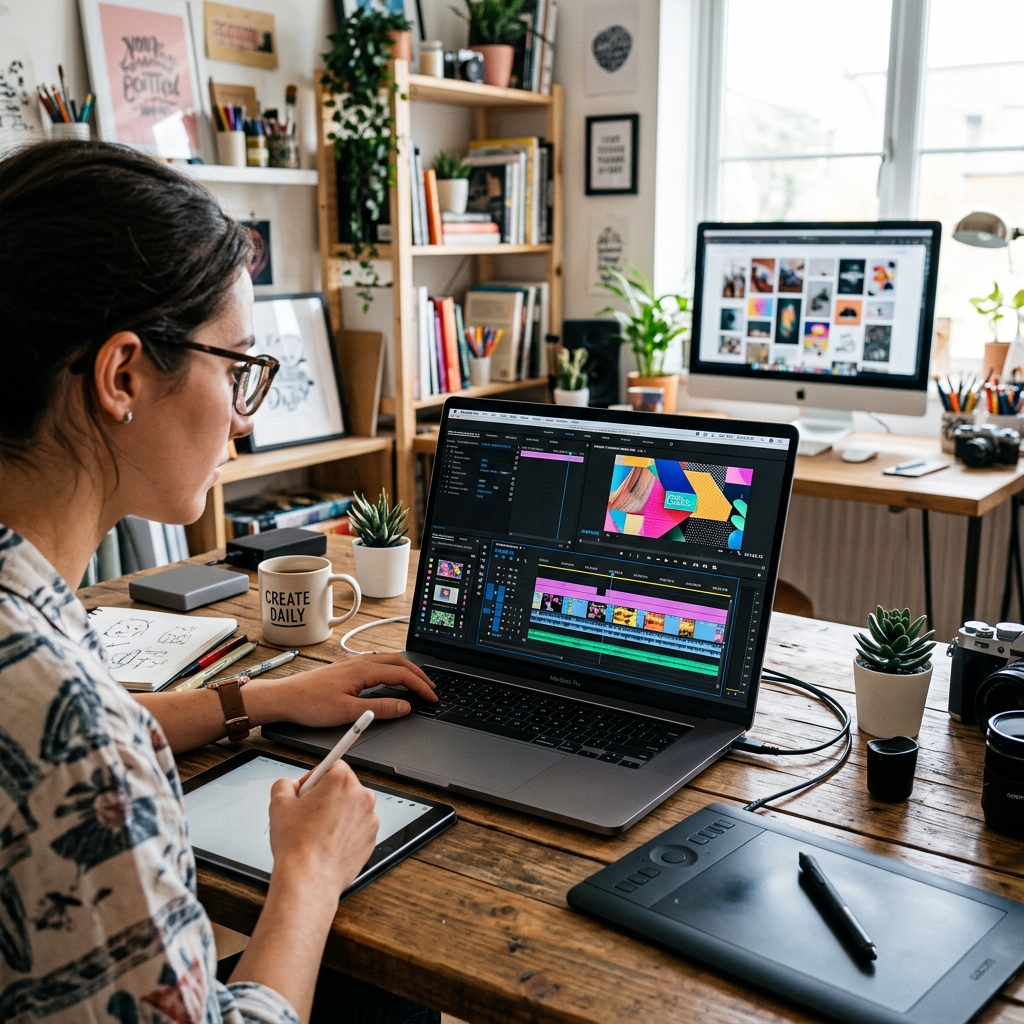
Looking for a MacBook to run Premiere Pro, Photoshop, or DaVinci Resolve? Here is our curated list of pre-owned Apple computers with the best GPU specs and screen color accuracy.
The Demands of Creative Software on Laptops
Creative workflows—such as 4K video editing in DaVinci Resolve, photo retouching with massive PSD files in Adobe Photoshop, or vector design in Illustrator—require three main hardware strengths: high single-core CPU speeds, a powerful multi-core GPU, and a color-accurate display. Intel-based laptops often struggle, leading to dropped frames and color errors.
Apple Silicon handles these tasks easily. But which used MacBook Pro model offers the absolute best performance for your budget in 2026? Let's dive into our recommendations.
1. The Absolute Beast: Pre-Owned MacBook Pro 16" (M1 Max / M2 Max)
If your daily work involves rendering 3D graphics, motion tracking in After Effects, or editing multi-cam 4K ProRes footage, search for an M-Max series processor.
- GPU Power: M-Max chips feature up to 32 or 38 GPU cores, rendering video timelines instantly.
- ProRes Engines: Dedicated hardware-accelerated ProRes encoders/decoders allow you to scrub through 4K and 8K video timelines smoothly without creating proxy files.
- Screen Size: The 16-inch display offers plenty of workspace, a high contrast ratio, and 1600 nits of peak brightness for HDR color grading.
2. The Sweet Spot: Used MacBook Pro 14" (M1 Pro / M2 Pro)
For graphic designers, photographers, UI/UX designers, and freelance videographers, the 14-inch MacBook Pro with a "Pro" level chip is the perfect balance of portability and power.
- Color Accuracy: Liquid Retina XDR displays feature factory-calibrated color profiles matching DCI-P3 standards, which is critical for print and web design projects.
- Value: A pre-owned M1 Pro 14" is highly affordable and easily outperforms brand new budget Windows laptops.