How to Build the Ultimate Budget Apple Desktop: Used Mac Mini & Accessories
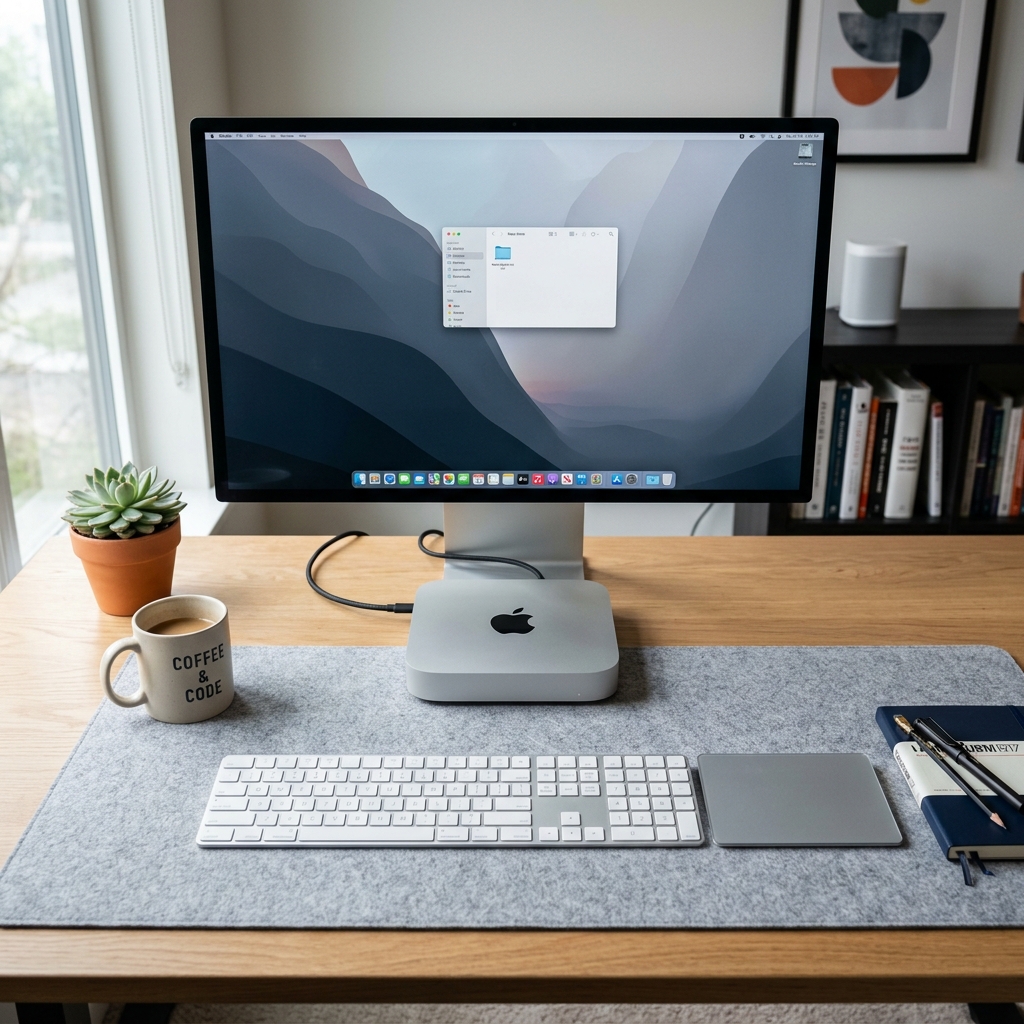
Learn how to build a complete macOS desktop setup for under ₹35,000 using a pre-owned Mac Mini and verified Apple accessories.
Building a Mac Workstation on a Budget
If you want to buy a brand new Apple Studio Display and a Mac Studio, you will easily spend over ₹2.5 Lakhs. But what if you are a student or a freelance developer starting out with a budget of under ₹35,000? You can build a complete, highly responsive Apple desktop setup by combining a pre-owned Mac Mini with key accessories.
Here is a step-by-step guide to assembling your budget workstation.
Step 1: Choose the Brain (Used Mac Mini M1)
The core of your setup should be a pre-owned Mac Mini M1 (8GB RAM / 256GB SSD). At current market prices, these are highly affordable. The M1 chip handles software development, office productivity, and web browsing easily, outperforming brand new Windows desktops in the same price tier.
Step 2: Add the Screen (Budget HDMI Display)
Since the Mac Mini doesn't include a screen, buy a standard 24-inch or 27-inch IPS monitor from brands like Dell, LG, or BenQ. Look for a screen with Full HD (1080p) or 4K resolution and a clean HDMI port. You can easily find these screens for under ₹8,000.
Step 3: Connect Input Accessories (Used Magic Keyboard & Mouse)
To get the authentic macOS experience, pair your desktop with Apple peripherals:
- Magic Keyboard: Provides low-profile keys and direct integration with macOS brightness and media keys.
- Magic Trackpad: Essential for utilizing macOS multi-touch gestures (swiping between desktops, pinch-to-zoom, and mission control).